PrivadoVPN

 Loading...
I started noticing PrivadoVPN being mentioned more often in the last year, mostly by people who wanted something straightforward to use on public Wi-Fi or while traveling. I tried it out myself, and it actually feels pretty easy to get into, even if you’re not a tech person. You install it, pick a location, tap connect, and that’s pretty much the whole process.
Once it’s on, your internet traffic goes through an encrypted connection. The main thing this does is prevent your provider or random trackers from collecting details about what you’re doing online. PrivadoVPN has servers in a bunch of countries, and switching between them is quick. Speeds were decent for me — enough for streaming, browsing, and the usual stuff without buffering.
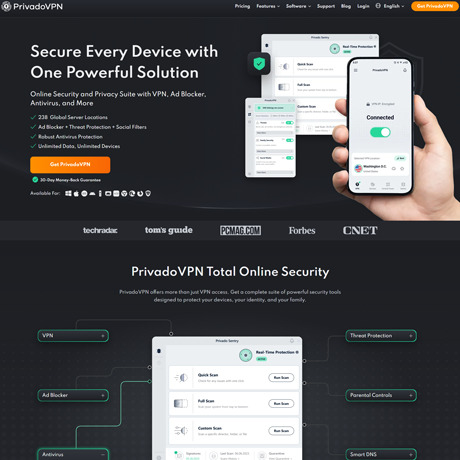
One thing I didn’t expect was how generous the free plan is. You get a monthly data allowance and access to several servers, which makes it easy to test the app before paying. The premium version opens everything up: unlimited data, more servers, and a few extra features like ad blocking or malware protection.
There are also some handy tools like split tunneling and an automatic kill switch. The Android app even has a GPS-masking option that lets your phone “pretend” it’s somewhere else, which is useful sometimes.
PrivadoVPN works on most devices — phones, laptops, smart TVs — and the interface is clean and simple. It’s not trying to be fancy; it just gives you a reliable way to stay private without making things confusing.