Hide.me

 Loading...
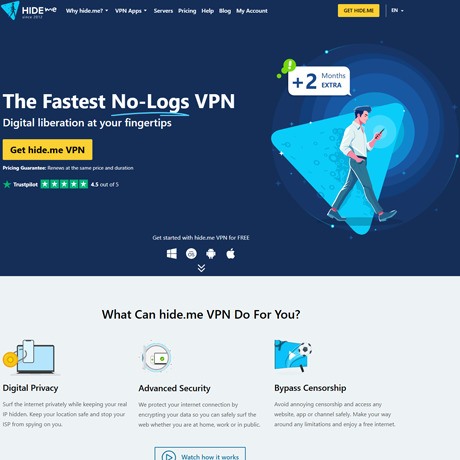
I first came across Hide.Me because a friend mentioned it when we were talking about public Wi-Fi and how sketchy it can be. I tried it without expecting much, and honestly, it turned out to be pretty simple. You install it, hit the connect button, and that’s really all you do. No long setup, no strange menus.
When it’s on, your connection runs through their servers, so your normal IP isn’t visible. I’m not a technical person, but the idea is basically that your traffic gets scrambled, and your internet provider can’t see what you’re doing. Speeds are mostly stable. Sometimes a server is slower, sometimes it’s fine — kind of what you expect with any VPN.
Hide.Me works on everything I’ve tried: laptop, phone, even a browser extension. The apps don’t feel heavy, and connecting on public Wi-Fi does feel safer. The free plan surprised me — you do get a data limit, but it’s enough to see how it works without paying.
If someone needs more locations or unlimited data, the paid version offers that. I didn’t use the extra features much, but they’re there.
What I like is that the service doesn’t feel complicated. It just turns on, does what it should, and that’s it. No drama, no weird ads, nothing confusing.